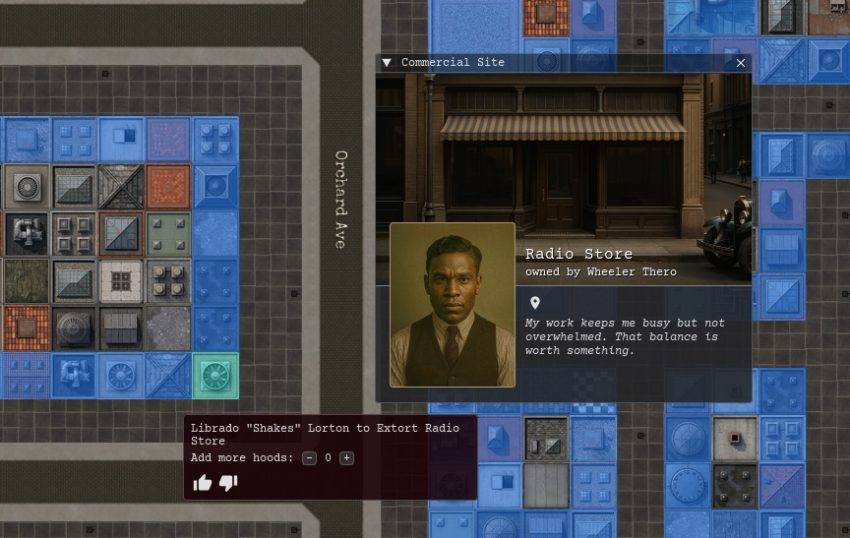
This is probably going to be one of the more important (if not the most important) post so far. I’ll take different approach today and talk less about code and implementation because there is just too much ground to cover in one post with so many systems interacting. Instead, this post will be more of a show & tell. Today, I’ll demonstrate the order system and show case adjacent features that have never been seen before.
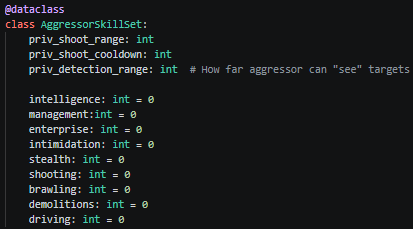
One of the most fun things to implement is the skill system and how it interacts with the world, situations, etc. The formulas are not entirely naive but certainly will need balancing as the game takes shape.
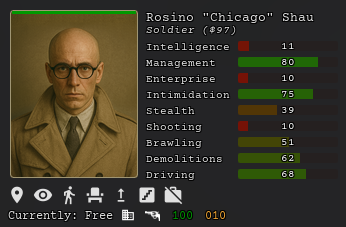 |  |
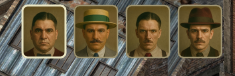
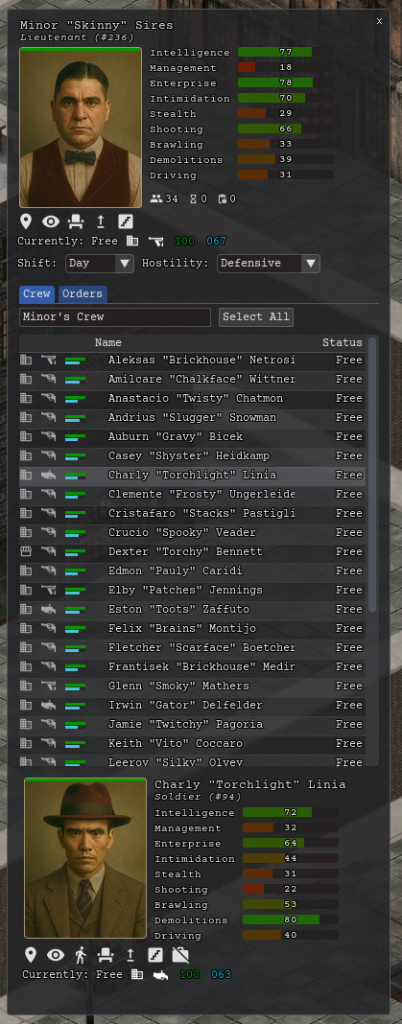
Selecting your lieutenants via Lieutenant Top Menu. They will appear at the top of your screen.
Interacting with crews via Lieutenant Window UI. One of your main control panels for your gangsters. You’ll inspect their skills there, observe order status, set hostility levels and more.
Observing status of your hoods via the Status Bar.
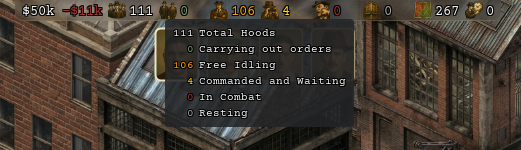
First icon shows money in the safe, the second one is your weekly profit / loss. the next 6 indicators are the status of your hoods. The last two are number of businesses under your protection and police suspicion. Of course, this is subject to change.
Finally, below is the video of giving orders via Order Menu and observing them being carried out which includes the demonstration of the driving system. Both cars and gangsters have a “plumbob” over their heads indicating their faction colors (green is mine, in this game).
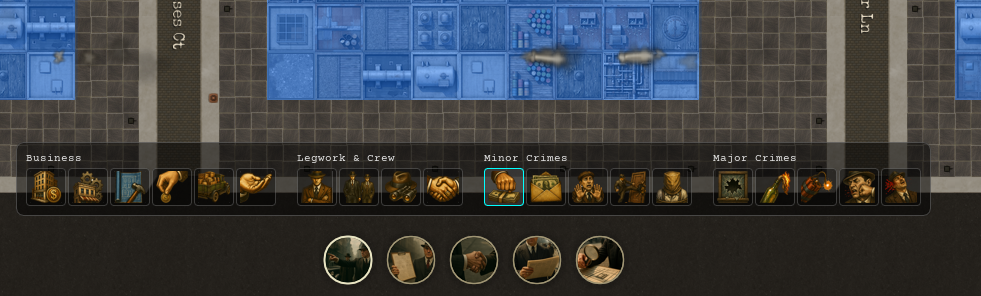
Driving system itself probably deserves a separate post but it’s fairly mundane mechanics such as gangster remembering where it parked, measuring distances to go to the next order on foot vs taking the car, etc. At some point, may need some polishing. When a gangster needs to get somewhere far, he walks to the nearest car, hops in, and routes along the city’s one-way streets with a traffic-aware A*, then pulls over, parks on the correct curb side, and walks the last few tiles to the door. Honestly, getting parking to not look insane – cars spacing themselves out, picking the right side of the lane, pulling over gracefully when you cancel a drive mid-trip – ate way more of my time than I’d like to admit
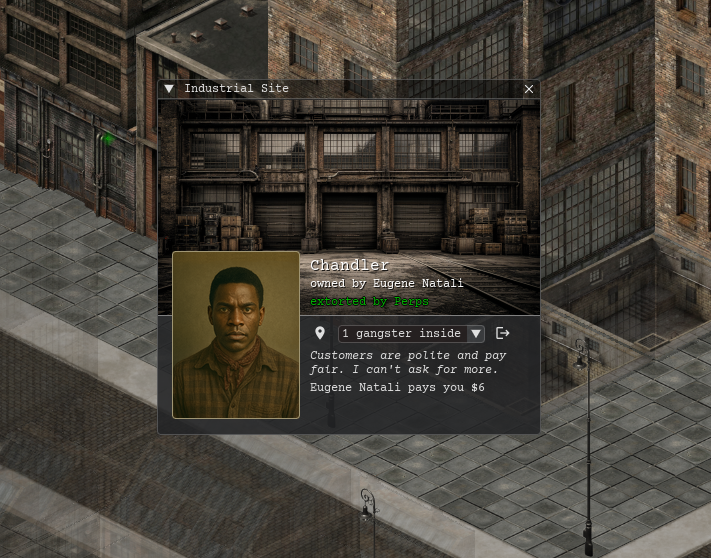
You may also have noticed 2D chimney smoke in the above tactical (near map) view of the map. Here’s how it looks on the street:
Moreover, there is the ability to give orders to the lieutenant who will act as a router for the orders to your soldiers:
There are also a lot of QoL features like cancelling all pending or progressing orders, navigating the different map modes with zoom/wheel or F key or pressing the icon like I did in the video, panning with pressed wheel or WASD, switching between next/last gangster/lieutenant by pressing “,” / “.” or my favorite: placing the mouse pointer and zooming into the target from city view to tactical view to street view:
Okay, I lied, I will show you some code after all because I think it’s just cool how the machinery works – this is exactly how I imagined it to work when I thought about it years ago so I’m happy to see it implemented and in action
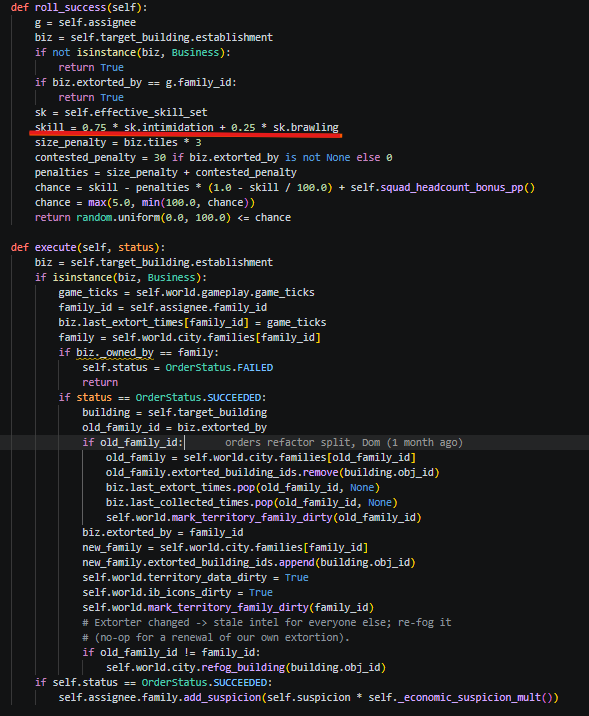
Order engine runs each order class – above you see Extort order class with some functions defined. Order engine runs roll_success() and passes result into execute(). You can see the weights of skills underlined in red (75% depends on intimidation skill and 25% on brawling) for extortion. You can also see how penalties are applied (if some other family owns it + how big is the building). You get some extra points if you send squad to help you which has its own formula for adding extra points.