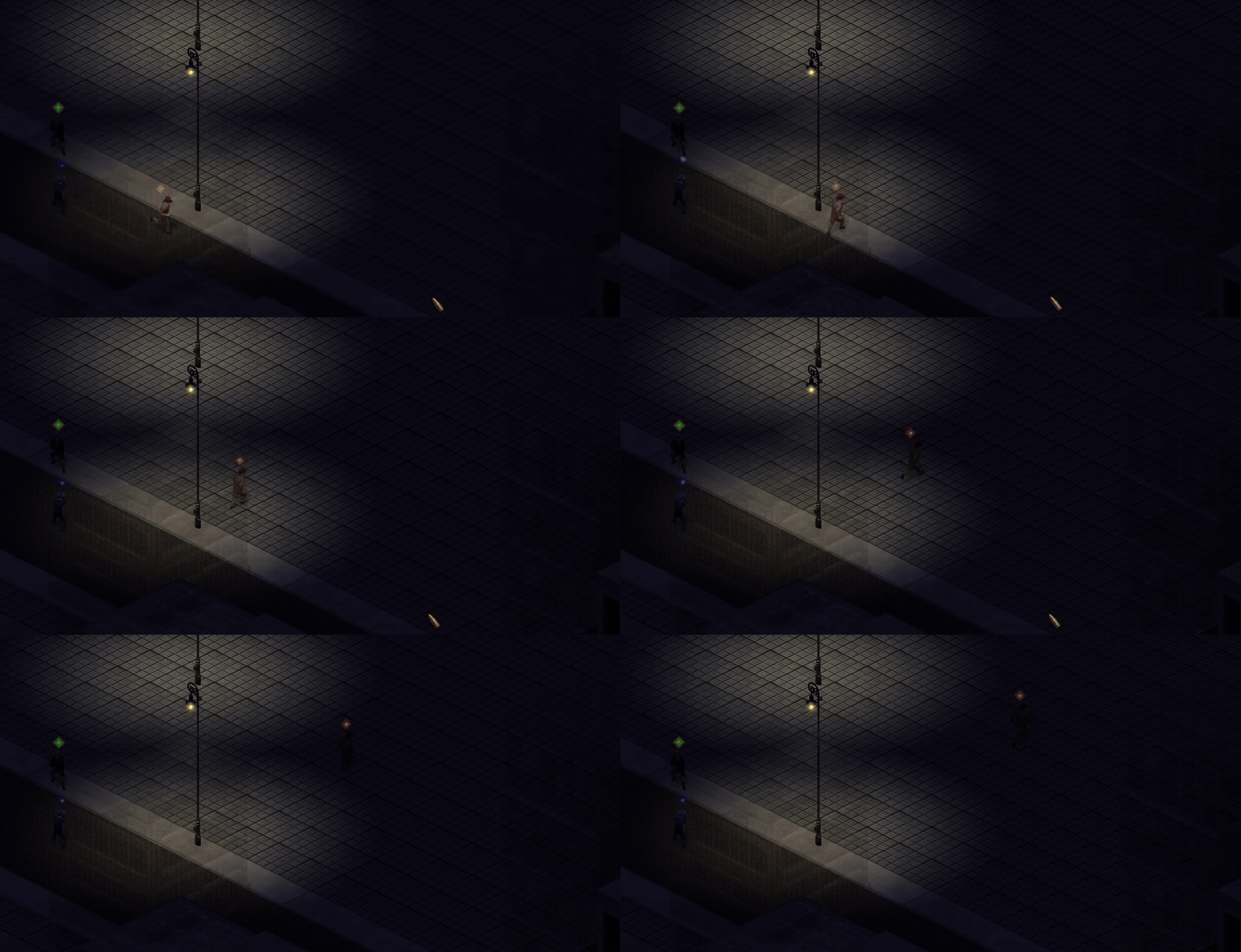
I’ve decided to rework the night mode or at least put it on the right path because the first attempt wasn’t going to cut it – I didn’t like the way the objects were lit up.
Idea is to completely undo the tint starting from a center and removing the tint to mimic light dissipating. In the below image you’ll see this done at two spots: a little bit at the source of light and a lot when the light hits the ground.
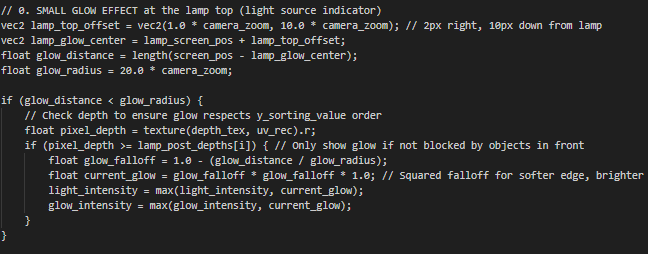
One annoying aspect about doing it in post-processing is that I lose the ability to make gl_FragDepth stick. Since all the textures have already been rendered, the post-processing shader doesn’t seem to write depth values relative to the previously set depth levels. As a result, the roof ends up being lit when it shouldn’t be.
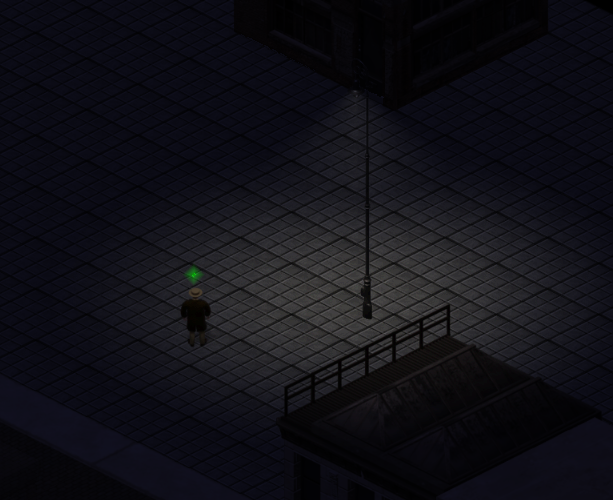
But managed to find a workaround by adding a depth buffer to that fragment, and it looks like I can now pull the z-levels directly from the textures!
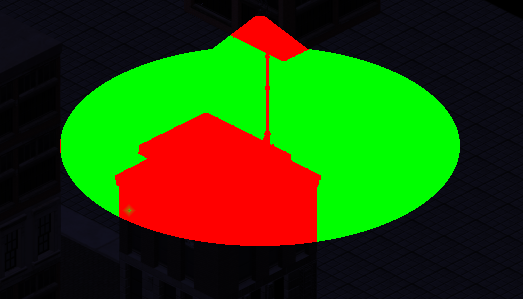
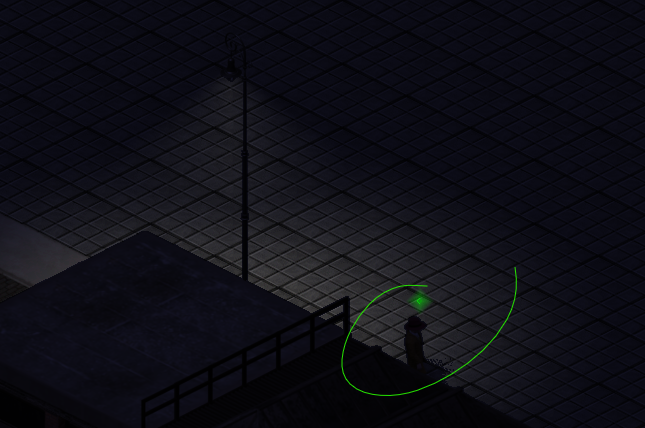
Works nicely but then I noticed my gangster… The next challenge: according to his z-depth value, the character should be occluded from the light, but the lighting pass still applies to him. So he should be lit up
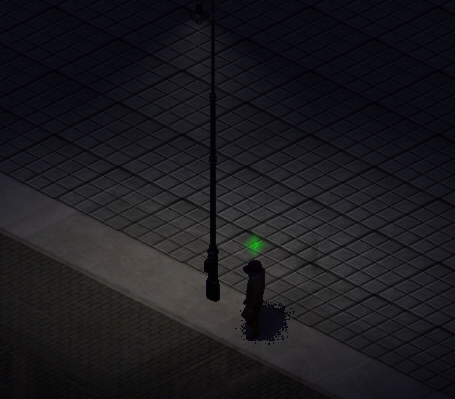
After more finessing depth / z-buffer levels a bit more
And finally you can see the gangster running into the shadows:
I raised the intensity of darkness so the effect is clear. In the final product, will need to adjust the actual darkness so the player could still see the game during the night cycle.